XGR Gas Estimate Panel (UI Guide)
This guide shows how to use the Gas Estimate panel on the XRC-137 Builder page to preview on-chain execution costs for your rule. It follows the same style as the Rules guide and uses the same “What you see” image blocks.
1) What the Gas Estimate does
The Gas Estimate panel queries the XGR node to calculate an estimated gas breakdown for your current rule model. It provides: - a Total (all-in) worst-case estimate across branches, - a per-branch breakdown (onValid / onInvalid), - details for validation overhead, EVM transaction & calldata, engine logs, and inner calls, - JSON export for audits and reviews.
What you see
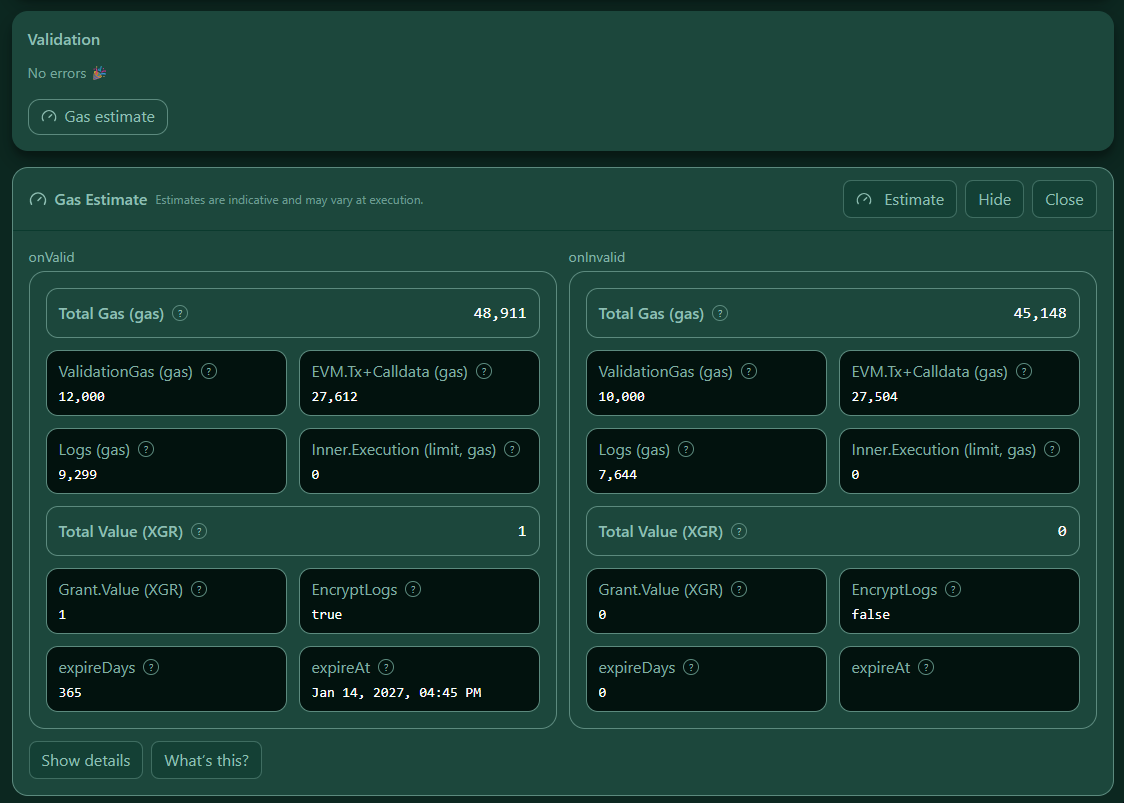 — The Gas panel opened below Validation with Estimate, What’s this?, and Show details buttons visible.
2) Prerequisites
- Wallet connected to pick the active RPC (same as Wallet Connect).
- Validation clean: fix all validation errors first — otherwise the Gas button is disabled.
- If you use encrypted logs, confirm your rule JSON sets
encryptLogsandlogExpireDaysfor each branch.
What you see
 — Disabled Gas estimate button with short hints when validation fails or wallet is not connected.
3) Open the panel
You can open the Gas panel in two ways:
1. Click Gas estimate in the Validation section.
2. Use the right-side dock button “Gas” (appears after the panel was opened once).
The panel opens directly under Validation. Use Hide to minimize it to the dock, or Close to remove it entirely.
What you see
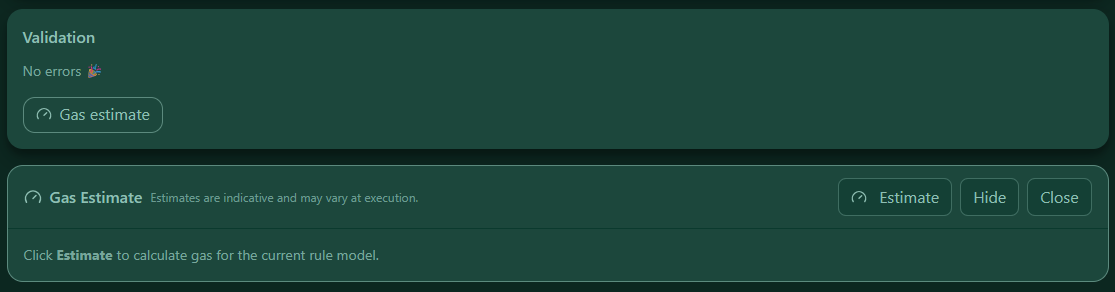 — Gas panel expanded directly under Validation; the dock shows the active “Gas” tab.
4) Run an estimate
Press Estimate. The builder sends your current rule JSON to the node via xgr_estimateRuleGas (no auto-refresh; estimates run only on button click).
Encrypted logs are inferred from your JSON per branch. The result returns branch totals and a worst‑case total.
What you see
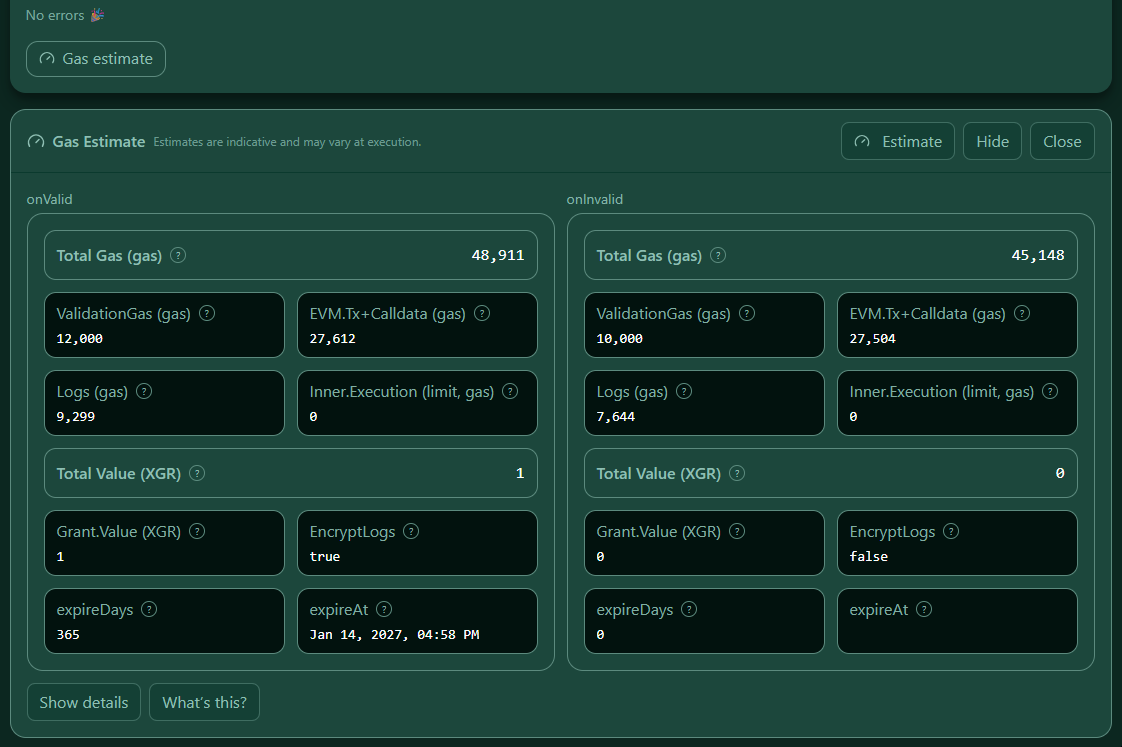 — After pressing Estimate, totals and branch cards are populated.
5) Reading the summary
Total (all-in)
Shows totalWorstCase — the maximum of both branches’ totals. Use this as a conservative estimate for budgeting.
6) Branch breakdown (onValid / onInvalid)
Each branch card contains the fields below. Hover the ? markers for quick hints.
| Field | Meaning (concise) |
|---|---|
| Total | All-in gas for the branch. |
| ValidationGas | Engine validation & preparation (off-chain heuristic; not EVM gas). |
| EVM.Tx+Calldata | Base transaction cost plus calldata size for ENGINE_EXECUTE. |
| Logs | Estimated gas for engine events (EngineMeta/Extras). |
| Inner.Execution (limit) | Upper bound for user execution gas (if your rule supplies a limit). |
| Grant.Value (XGR) | XGR value sent with the grant transaction — runtime cost at execution. |
| EncryptLogs | Whether logs are encrypted for this branch. |
| expireDays | Retention period in days for persisted logs. |
| expireAt | Absolute expiry timestamp shown as a local US date/time (source is Unix seconds since 1970). |
What you see
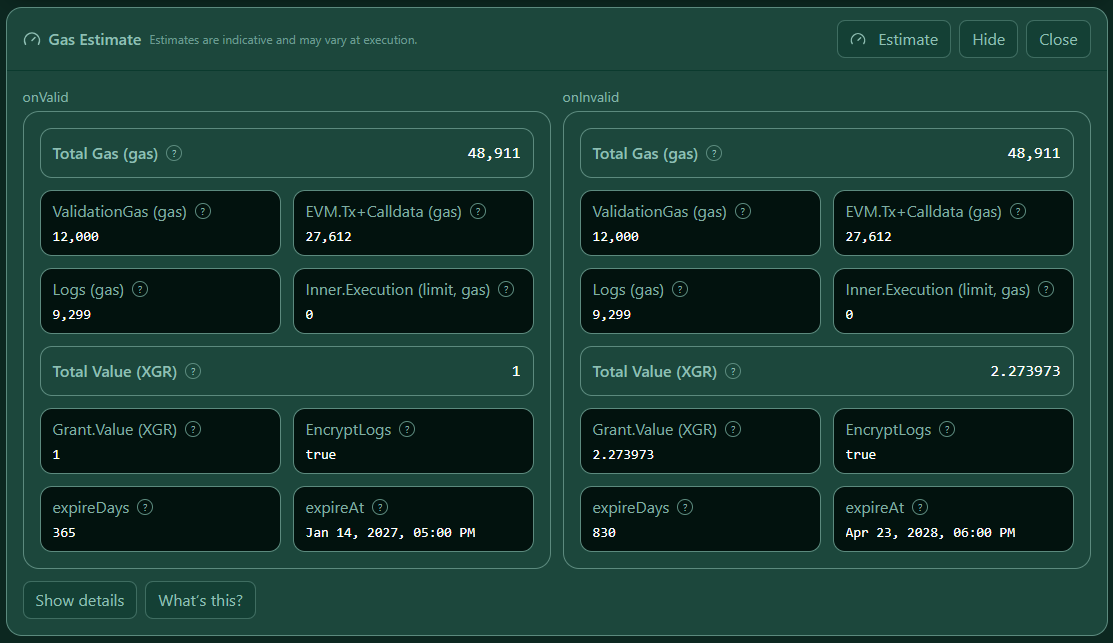 — Two branch cards (onValid / onInvalid) with totals and field breakdown visible.
7) Field help (“What’s this?”)
Click What’s this? to show a concise description of each field and how the total is composed (validation + tx/calldata + logs + inner calls). The copy mirrors the in‑UI tooltips and explicitly notes which items are runtime costs (incurred when the contract actually executes on-chain).
What you see
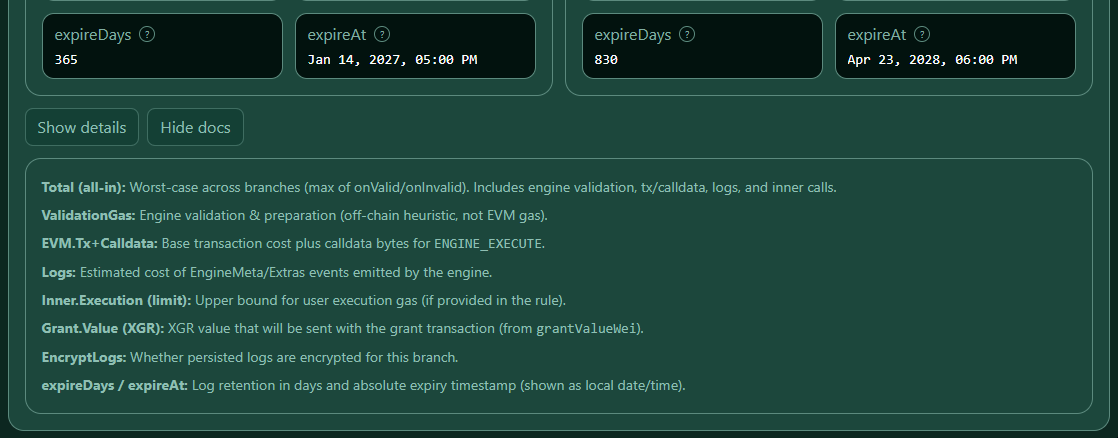 — Docs box opened under the results; text uses the app’s accent colors for readability.
8) Details (JSON)
Click Show details to inspect the raw estimator response:
- The JSON appears in a dark, resizable box (same look & feel as the Outputs panel).
- Use Copy to copy the JSON or Download to save xrc137-gas-estimate-<timestamp>.json.
- The JSON is read-only; opening it does not trigger any execution.
What you see
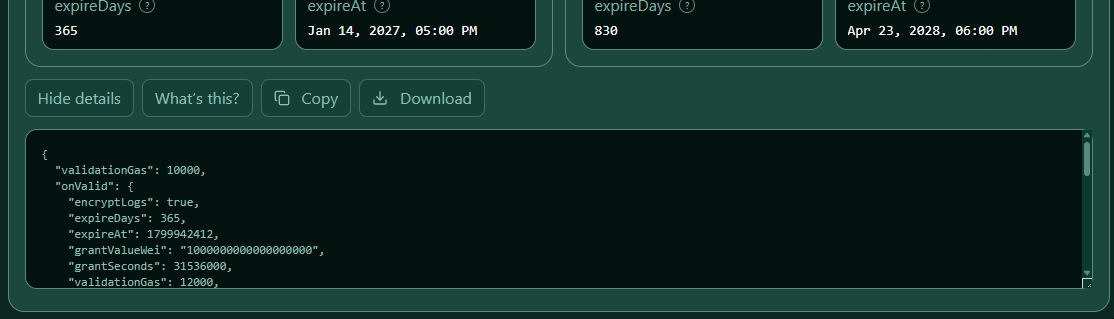 — Dark JSON box, vertically resizable, with Copy / Download actions in the header.
9) Tips & common issues
- No wallet → connect your wallet first (the estimator needs the active RPC).
- Validation errors → fix them, then run Estimate again.
- Empty totals → ensure your model is present and the RPC call succeeds (network errors show a red message).
- Timestamps →
expireAtconverts Unix seconds to US locale (e.g.,Oct 20, 2025, 01:23 PM). - Export → keep the JSON with your deployment notes for audits and capacity planning.
10) FAQ
Q: Is ValidationGas paid on-chain?
A: No. It’s a heuristic for engine-side validation and preparation (off-chain), shown to provide a realistic “all-in” picture alongside on-chain components.
Q: Why is Total (all-in) higher than either branch?
A: It’s the worst-case total across branches to be conservative in planning.
Q: Do encrypted logs change estimates?
A: Yes. The estimator considers encryption and log retention per branch when calculating log costs.
Q: When should I re-estimate?
A: Whenever you change rules, logging, or payload structure — click Estimate again to refresh.
11) Next steps
- Use the estimate to budget XGR for expected runs.
- Compare onValid vs onInvalid to see how log and grant settings impact runtime cost.
- Export the JSON and keep it with your deployment checklist.